 FR
FR



DESKPROTO – Version 8.1
OVERVIEW
DeskProto has been developed by Delft Spline Systems (Netherlands) for over 25 years around a simple promise: bring Computer Aided Manufacturing to users who are not professional machinists. Designers needing a prototype, jewelers needing a wax model, artists working on a sculpture, medics needing a brace, moldmakers, woodworkers, teachers, students or fablab makers — DeskProto is built for anyone who needs to turn a 3D file into a machined part, without having to master the intricacies of a professional CAM package.
The software imports STL files for 3D geometry, DXF/EPS/AI/SVG for vector data, and most bitmap formats (JPG, PNG, GIF, BMP, TIF). It then calculates toolpaths and writes NC program files for any brand of milling machine or machining center, from 3-axis up to 5-axis. Its dual interface — a guided Wizard mode for beginners, an Expert mode for fine-tuning every setting — makes it as approachable as it is scalable.
Three types of machining, freely combined
DeskProto covers the full CAM spectrum in a single program:
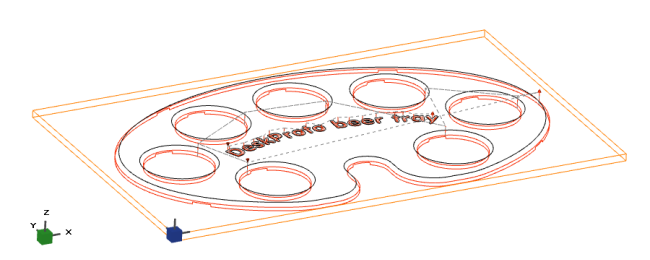
- Vector machining (2D): profiling, pocketing, drilling, laser engraving from DXF or EPS files
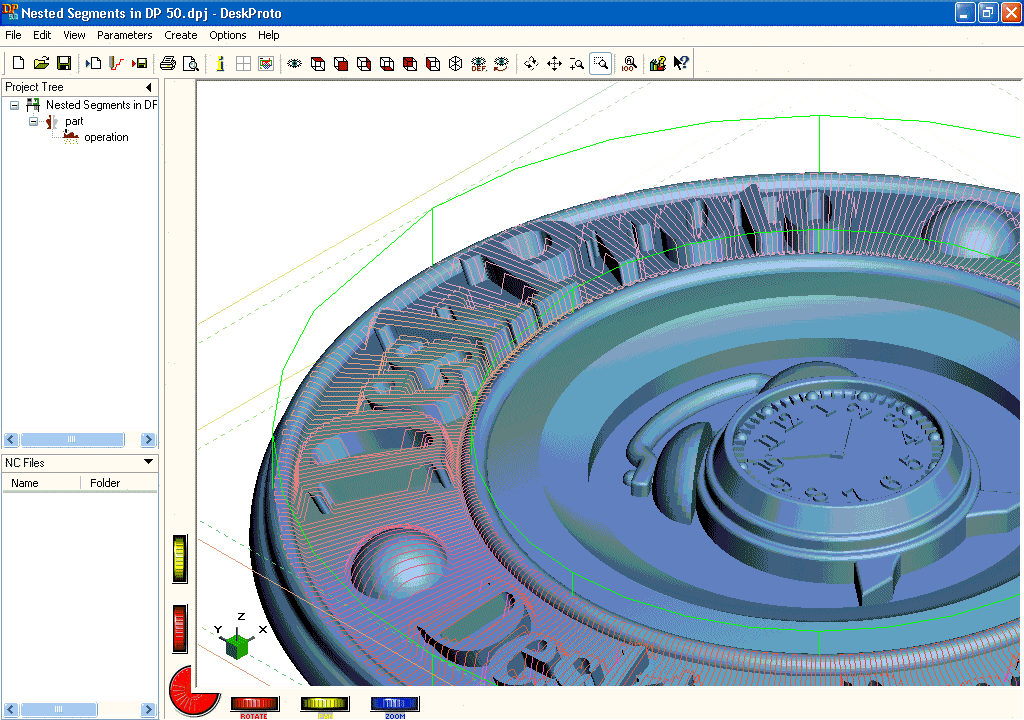
- Geometry machining (3D): machining of complex shapes from STL files
- Bitmap machining (relief): converting a 2D image into a machined 3D relief
These three approaches can be freely combined within a single project.
WHAT’S NEW IN VERSION 8.1 (July 2026)
An Inlay Wizard for easier inlay creation
Version 8.0 introduced V-Carving, enabling the creation of detailed inlays — but many users found the settings complex. Version 8.1 answers that feedback directly with a dedicated new wizard: simply enter the maximum machining depth and the clearance height, and DeskProto automatically configures the inlay’s base and plug.
Dogbone fillets for sharp corners
Because of its geometry, a milling cutter can never carve a perfectly sharp interior corner. For parts intended to be assembled, this is a classic fit problem. DeskProto 8.1 introduces a Dogbone fillet option: an additional toolpath that locally removes the extra material needed for the mating part to fit perfectly — the resulting shape resembling a dog bone, hence the name. The option is available directly in the vector operation parameters, under the Profiling tab.
Laser engraving of bitmap images, including on curved surfaces
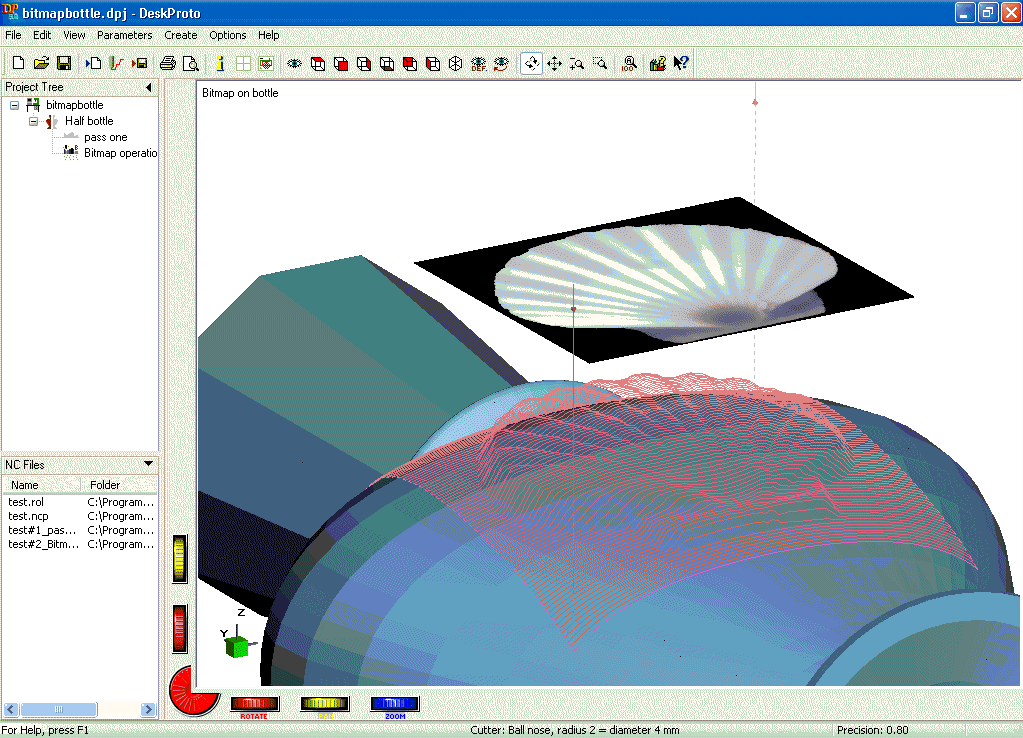
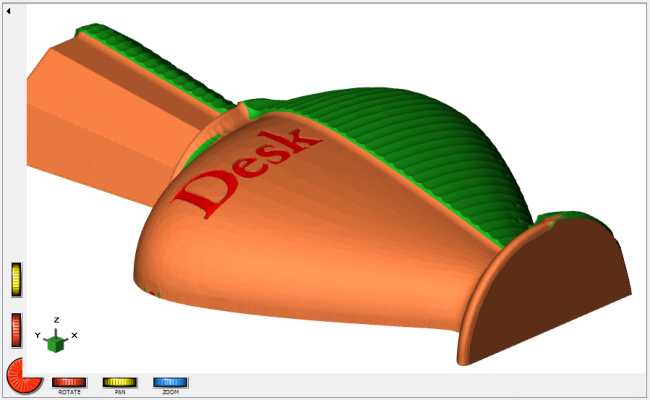
DeskProto already offered laser engraving from vector data. Version 8.1 extends laser engraving to bitmap images: the laser reproduces the image’s grey levels by varying its power. A rarer capability: DeskProto can project this engraving onto a 3D geometry, engraving an image directly onto a curved surface. A collision-avoidance check is also available to protect the laser head on steep-slope surfaces.
True-orientation rotary animation
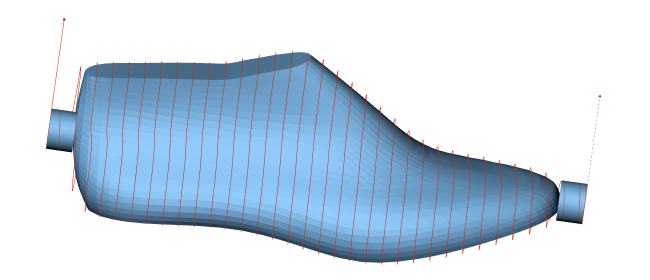
For machining operations using a rotary axis, the animation used to show a static part with the tool rotating around it — a convenient screen representation, but not what actually happens on the machine. Version 8.1 adds a “True Orientation” option: the tool stays vertical while the part rotates, exactly as it does on the physical machine.
Additional vector curves
To support the Inlay Wizard, DeskProto can now automatically generate two new curves: a block border curve (to clear material around the design) and a curve around the selection (to limit the area machined with the V-bit). These curves, with an adjustable offset, are also usable in many other machining contexts.
Other improvements
- Vector machining: adjustable start height to avoid unnecessary air-cutting, correction to the parallel pocketing strategy, block border handling, collision-avoidance check extended to vector machining
- Calculations: adjustable maximum rotation speed for the 4th axis, collision-avoidance check for the laser head, warning when a cutter’s shaft is thicker than its cutting part (which could distort the part), faster toolpath calculations
- Libraries: search filter within each library, tool number and type displayed in the cutter library, support for cutters with a shaft thinner than the cutting part
- Miscellaneous: a “Notes” field per project, additional commands in context menus, noticeably faster display for simple simulations
FREE UPGRADE FOR VERSION 8.0 USERS
DeskProto V8.1 is a free upgrade for all Version 8 license holders: simply download and install the new version, which installs alongside V8.0 without affecting the existing installation. The license is recognized automatically.
Users of earlier versions need to purchase an upgrade to Version 8.